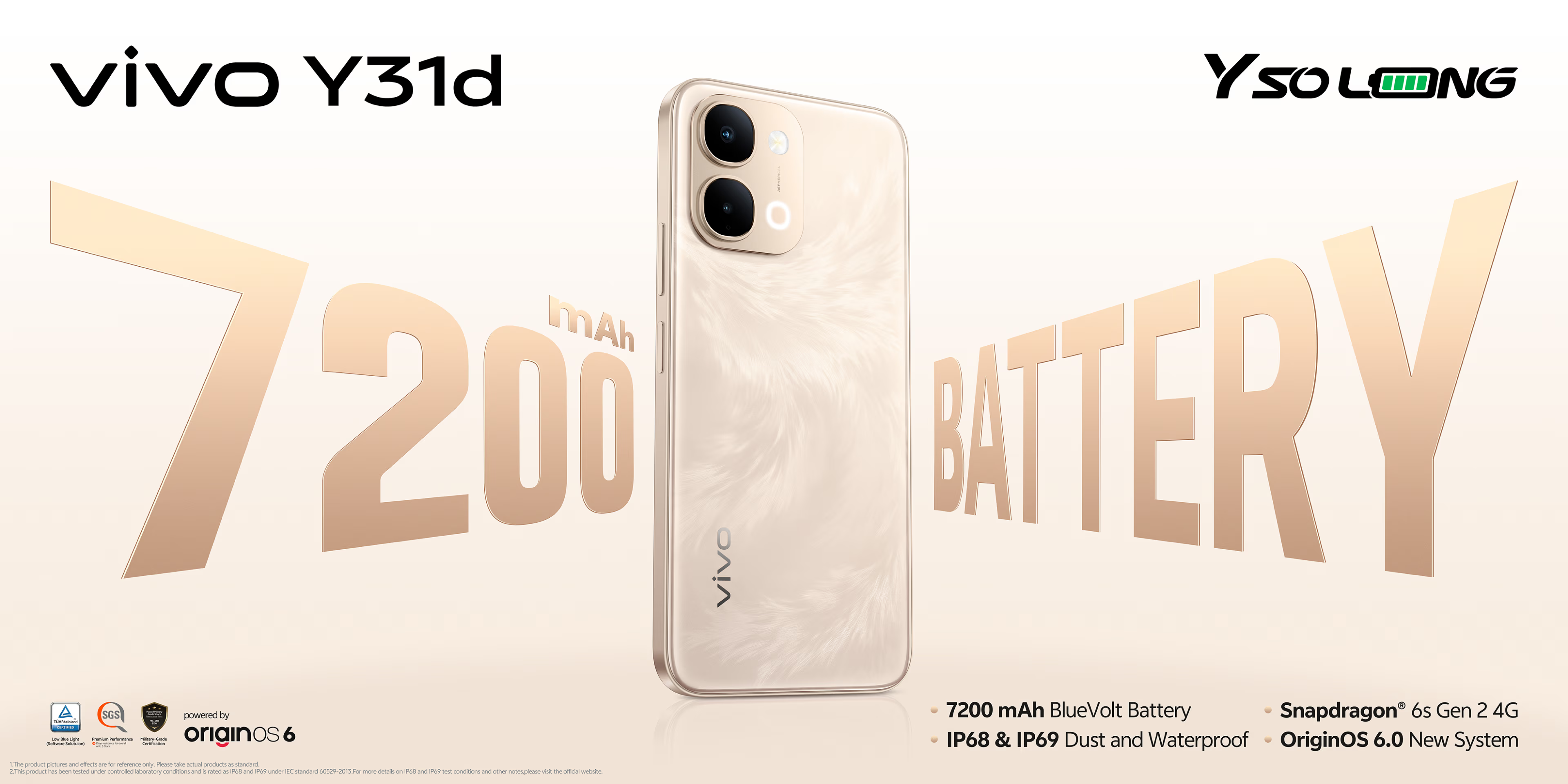
When does an old Android phone actually become a problem, not just a minor annoyance?
Most people wait until their device is practically begging for mercy—frozen screens, random reboots, apps crashing mid-game—before they even consider upgrading. That’s not just inconvenient; it can be unsafe and more expensive in the long run.
Your Phone Stopped Getting Updates? That’s a Big Red Flag
The clearest sign it’s time to move on is when your phone no longer receives system and security updates.
This isn’t just about missing a new UI skin or a fancy animation. Once security patches stop, your phone becomes a softer target for malware, data theft, and exploit kits that thrive on unpatched devices.
The uncomfortable part is you usually don’t feel this risk immediately. Your phone still turns on, chats still come through, games still launch. But behind the scenes, attackers keep iterating while your device is frozen in time.
If the manufacturer has officially ended support, you’re on borrowed time. Sticking with that phone means trading your data security for short-term savings, and that’s a bad deal for anyone who uses their phone for banking, work, or storing personal photos and documents.
Laggy Performance Isn’t Just Annoying, It’s a Productivity Tax
Another huge warning sign: constant lag. If your phone stutters opening apps, takes ages to load a game, or randomly closes apps on its own, that’s your hardware telling you it’s falling behind.
Over time, apps get heavier. New versions come with more features, more background processes, and higher memory and CPU demands. An older SoC with limited RAM will start choking under the workload.
You can factory reset, clear cache, uninstall bloat, and it might help—for a while. But if you keep ending up in the same loop of lag, freeze, reset, repeat, you’re not fixing the core problem. You’re just babysitting hardware that can’t keep up with modern software.
And if you rely on your phone for work, navigation, online payments, or competitive gaming, that lag isn’t a minor inconvenience. It’s wasted time and missed taps that add up daily.
When Battery Life Becomes a Daily Fight
If you’re charging your phone multiple times a day, that’s not normal—no matter how much you’ve normalized living next to a power outlet.
Batteries degrade with every charge cycle. Eventually, even basic use starts chewing through your remaining capacity. When you’re constantly hunting for a charger, that’s your phone telling you the cell is tired.
Yes, replacing the battery can be a solution in theory. In practice, it’s not always convenient, available, or cost-effective. Some phones don’t have easy battery replacement options, and official service can be pricey or simply unavailable in many regions.
If your battery life has tanked and you’re also dealing with slower performance, it’s a double hit on your daily experience. At that point, forcing yourself to keep the device isn’t being frugal—it’s making your life harder for diminishing returns.
Why These Signs Matter More for Heavy and Gaming Users
For casual users who just chat, scroll, and check email, a slowing phone is annoying. For gamers and power users, it’s brutal.
Modern mobile games demand strong sustained performance and stable thermals. As hardware ages and thermals worsen, your CPU and GPU throttle harder. That means lower frame rates, more stutter, and inputs that feel mushy.
Combine that with a worn-out battery and no security updates, and you’re essentially gaming on a device that’s less safe, less responsive, and constantly fighting to stay alive through a full match.
If your phone can’t keep games from crashing, takes too long to load levels, or heats up and drains from 100% to 20% in one gaming session, you’re not getting what you should from the device you rely on for entertainment.
Stop Waiting for Total Failure
The pattern is usually the same: users wait until the phone is nearly unusable—extreme lag, terrible battery, update support long gone—then rush into a random upgrade.
That’s how you end up overpaying for features you don’t need or falling for flashy marketing instead of buying something that fits your real-world use.
Recognizing the early signs—no more updates, steadily worse performance, and shrinking battery life—puts you in control. You can plan a replacement on your terms instead of panic-buying when your phone finally gives up.
No one needs to chase every yearly launch just because it’s shiny. But clinging to a device that’s insecure, slow, and draining your time doesn’t make you smart or thrifty—it just shifts the cost from your wallet to your privacy and daily sanity.
If your current phone matches these warning signs, it’s not about FOMO. It’s about safety, comfort, and not letting outdated hardware dictate what you can or can’t do.
Check back soon as this story develops.